|
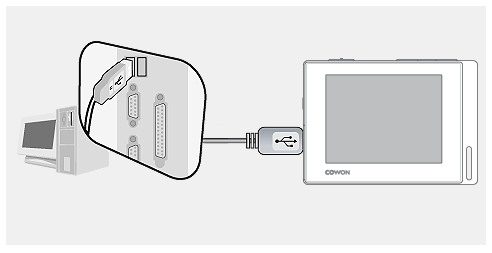
Connect COWON D2+ to the PC by using
an USB cable and wait until your computer recognizes
|
| |
COWON D2 as a removable
disk. |
| |
|
| |
 |
| |
|
 |
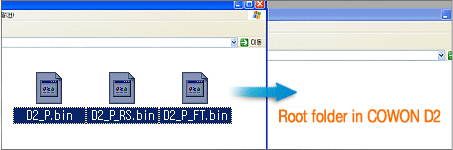
If COWON D2+ is recognized as a
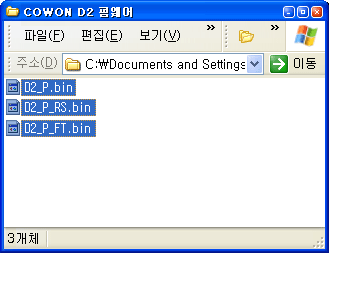
removable disk, please paste D2N_P.bin,
D2N _P_RS.bin, |
| |
and D2N_P_FT.bin
files to the root folder (top folder in COWON D2+)
in COWON D2+. |
| |
|
| |
 |
| |
|
 |
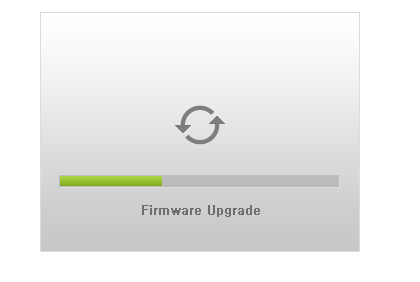
After copy is finished, please disconnect
COWON D2+ from the PC and turn on the unit. COWON
D2+ will |
| |
automatically start firmware upgrade
with firmware upgrade progress bar. After upgrade
is completed, |
| |
the device will be turned off automatically. |
| |
 |
| |
|
 |
Now turn on COWON D2+. The upgraded
firmware version will be displayed on the first
screen. |
| |
If the new firmware version number
is the same, firmware upgrade is completed. |
| |
|