Firmware
2013-08-06 12:30:02
Auto Capsule AW1 PC Manager V1.1.8
Auto Capsule AW1 PC Manager V1.1.8

Improvements
- Motion Sensor Sensitivity extended to nine steps.
- Additional setting of ¡®Use Parking Recording Voltage¡¯ 1)
- Additional setting of ¡®Use Auto Shutdown Voltage¡¯ 2)
- Additional setting of ¡®Change to Parking Recording Interval¡¯ 3)
- Additional setting of ¡®GPS Speed Unit (mph)¡¯ 4)
- Additional setting of ¡®Language of Voice Guide¡¯ 5)
1) Settings > Recording > Parking Recording > Use Parking Recording Voltage
If you do not use Parking Recording Voltage,
change to Parking Recording is determined by only car¡¯s movement.
2) Settings > Recording > Parking Recording > Use Auto Shutdown Voltage
Auto Shutdown Voltage Setting is a function to prevent battery discharge.
In general, selecting Use Auto Shutdown Voltage is recommended.
3) Settings > Recording > Parking Recording > Change to Parking Recording Interval
4) Settings > Video > Speed Unit
5) Settings > Audio > Voice Instructions > Language of Voice Guide

Program Download
PC Manager V1.1.8


PC Manager

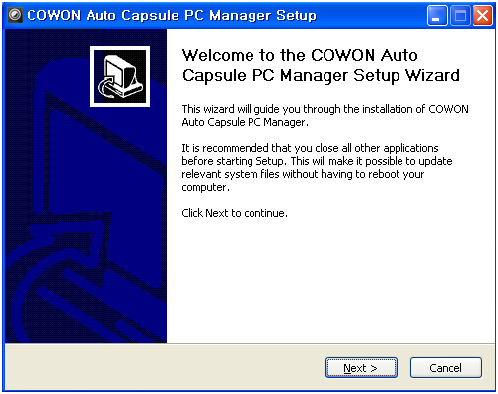
Unzip downloaded PC Manager V1.1.8 file and run 'Setup_1.1.8.exe'file

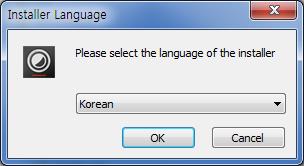
Select a language.

Click 'Next' to install PC Manager.