Firmware
2018-04-16 14:53:18
PLENUE M Firmware V1.31
Warning/Caution
- The battery must be fully charged before firmware upgrade.
- Do not reset PLENUE during firmware upgrade.
- Backup any important files in PLENUE to your PC before firmware upgrade.
- Please use firmware that COWON authorizes only.
- JetEffect values might be initialized after firmware upgrade. Please record any important values.
New features
- Fixed the error of some devices that are not fully charged but turned on the fully charged LED indicator (In relation to playback time)
Firmware Download
How to Install Firmware
-
After downloading the firmware file (PLENUEM_1.31.zip), unzip it (PLENUE_M_FW, PLENUE_M_FW_key).
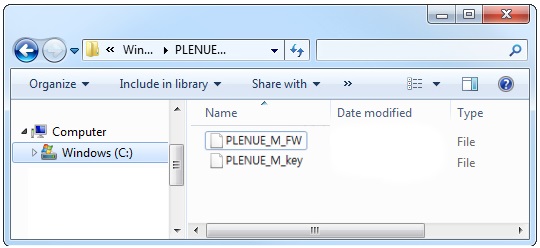
-
Turn on PLENUE M and connect it to a PC by a USB cable.
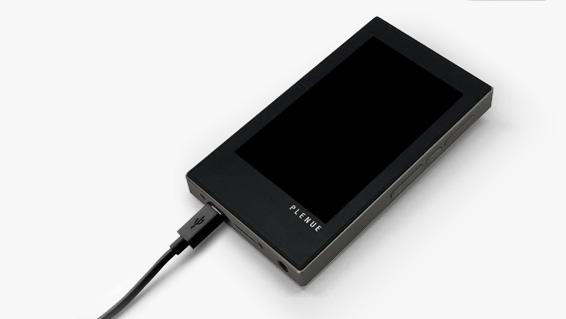
-
Copy and paste the two files (PLENUE_M_FW, PLENUE_M_FW_key) to the root folder of PLENUE M.
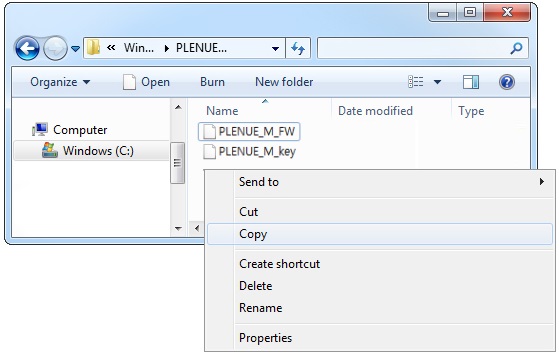
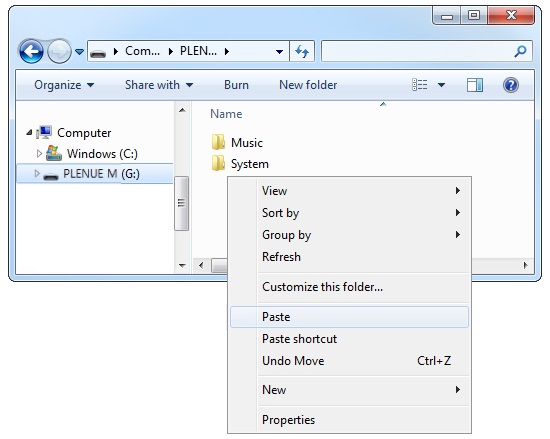
- Right-click on the icon [Safely Remove Hardware] in the tray at the lower right corner of the screen to disconnect the device from the PC.
-
First of all, please make sure PLENUE M is turned off. Then, press a power button of the device. Firmware upgrade process will be shown on the screen followed by PLENUE M's automatic turning off. Please turn on the device again. There would be two times of firmware upgrade.
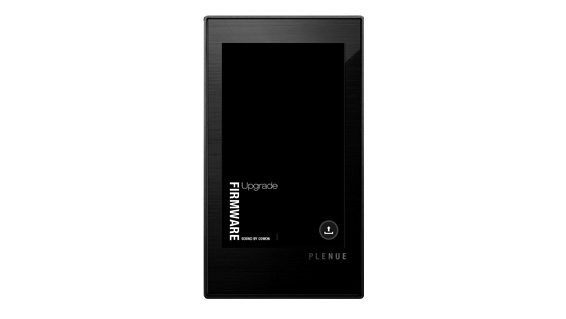
- When PLENUE M turns off again after showing a 'Success' message on the screen, turn on the device again.
- Firmware version is can be checked at settings > system > information.