Firmware
2019-03-22 11:02:20
PLENUE D2 Firmware V1.02
Warning/Caution
- The battery must be fully charged before firmware upgrade.
- Do not reset PLENUE D2 during firmware upgrade.
- Backup any important files in PLENUE D2 to your PC before firmware upgrade.
- Please use firmware that COWON authorizes only.
- JetEffect values might be initialized after firmware upgrade. Please record any important values.
New features
- Improved FLAC file compatibility
- Improved handling of browser album names
- Improved noises between tracks in certain situations
Firmware Download
How to Install Firmware
-
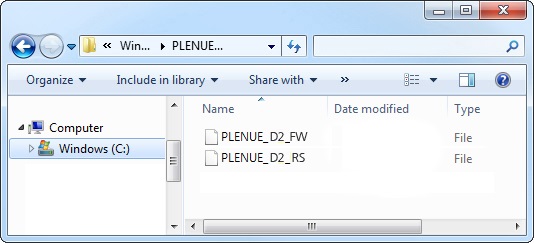
After downloading the firmware file (PLENUE_D2_1.02.zip), unzip it (PLENUE_D2_FW.BIN, PLENUE_D2_RS.BIN).
-
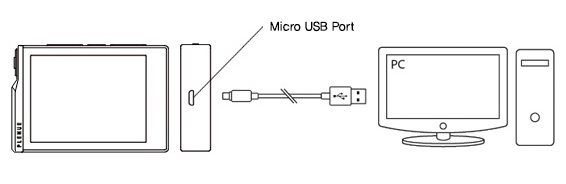
Turn on PLENUE D2 and connect it to a PC by a USB cable.
-
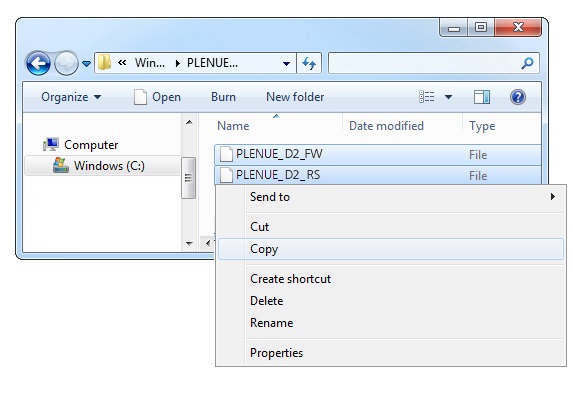
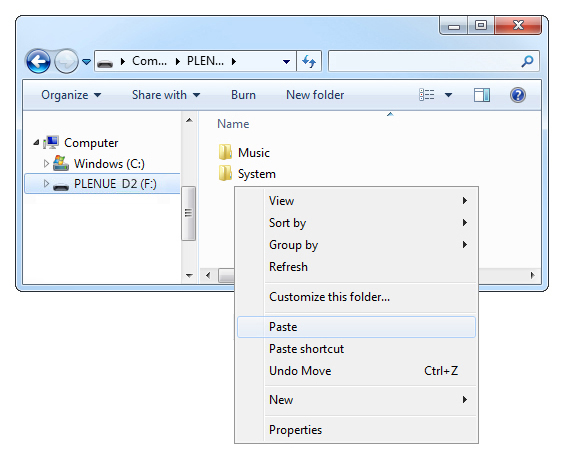
Copy and paste the two files (PLENUE_D_FW.BIN, PLENUE_D_FW2.BIN, PLENUE_D_RS.BIN) to the root folder of PLENUE D2.
- Right-click on the icon [Safely Remove Hardware] in the tray at the lower right corner of the screen to disconnect the device from the PC.
-
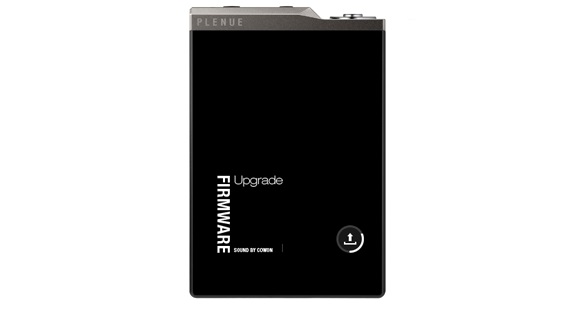
First of all, please make sure PLENUE D2 is turned off. Then, press a power button of the device. Firmware upgrade process will be shown on the screen followed by PLENUE D2's automatic turning off. Please turn on the device again.
- Firmware version is can be checked at settings > system > information.