Firmware
2019-07-26 13:55:37
iAUDIO U7 Firmware V1.23
Warning/Caution
- Please keep in mind that all the settings and favourites will be initialized after firmware upgrade.
- The battery must be fully charged before firmware upgrade.
- Do not press the power button of iAUDIO U7 during firmware upgrade.
- Backup any important files to your computer before upgrade.
- Do not use any kind of firmware which COWON Systems, Inc. does not provide.
- Before Firmware upgrade, please connect U7 to PC and format U7.
New features
- Added Czech Version
Firmware Download
How to Install Firmware
-
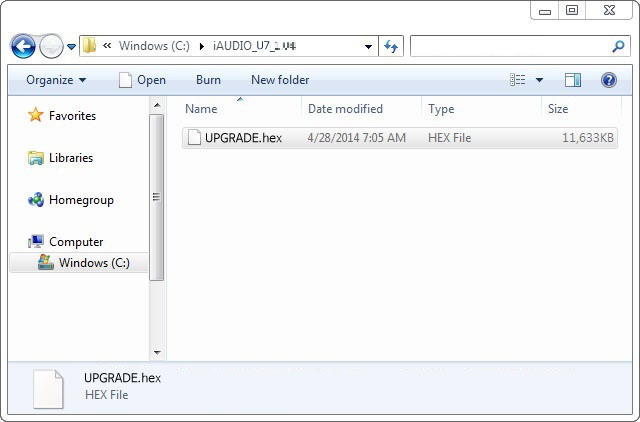
Download the firmware to your PC and unzip it. ¡®UPGRADE.hex¡¯ file will be created.
-
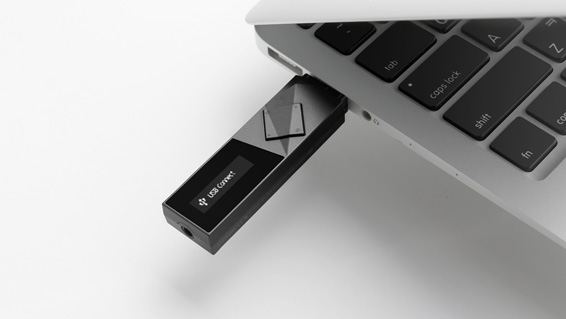
Connect iAUDIO U7 to the PC and wait until your computer recognizes iAUDIO U7 as a removable disk.
-
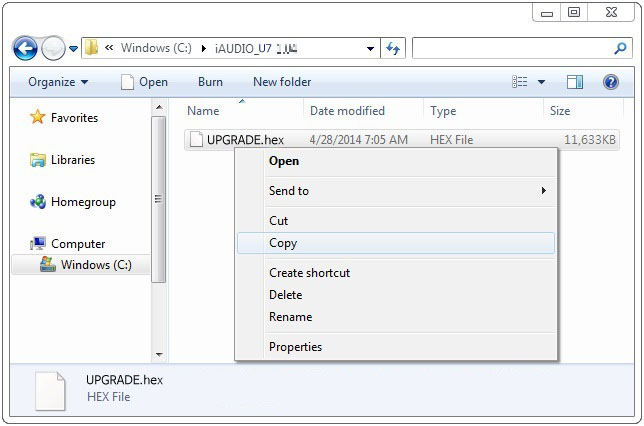
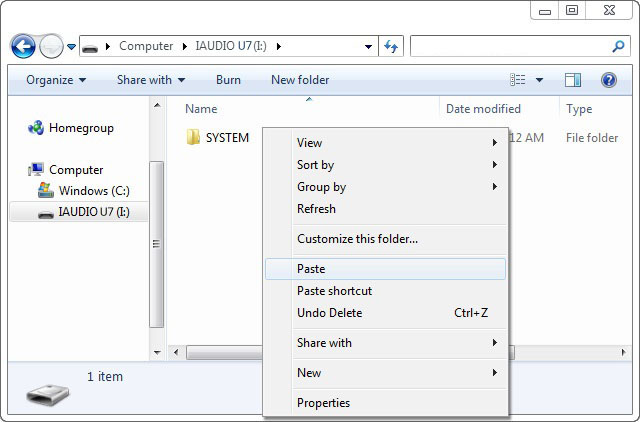
When iAUDIO U7 is recognized as a removable disk, paste the ¡®UPGRADE.hex¡¯ file to the root folder of iAUDIO U7.
-
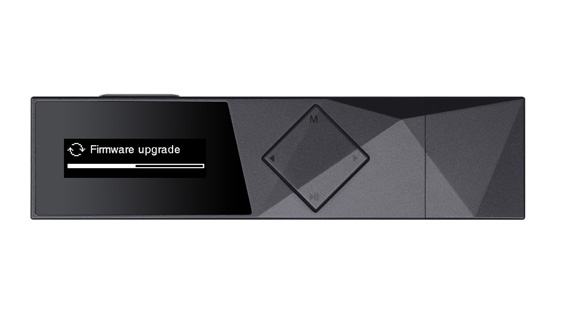
When file copy is done, disconnect USB connection and turn on iAUDIO U7. Firmware upgrade will begin with a progress bar on the screen. The device will be turned on when firmware upgrade is completed.
- Please set the language and the region. To check the firmware version please go to Setting> Information.